
Introduction
Mining crypto sounds exciting, until your electricity bill shows up. That’s the moment most miners realize guessing doesn’t work.
This is where WhatToMine comes in. It’s a free online tool that helps you figure out which coin actually pays off, based on your hardware, electricity cost, and current market prices. Instead of mining blindly and hoping for the best, you can run the numbers first.
In this guide, we’ll break down what WhatToMine is, how to use its calculator, and how it connects to bigger topics like Bitcoin mining profitability and crypto mining rewards. By the end, you’ll know exactly how to check if mining is worth it for you.
What Is WhatToMine?
WhatToMine is a website that tracks mining data for dozens of cryptocurrencies in real time. Think of it like a price comparison site, but for mining instead of shopping.
It pulls live information such as coin prices, network difficulty, and block rewards. Then it uses your hardware details to estimate how much you could earn per day, week, or month.
Why Miners Use It
Mining a random coin without checking the numbers is like opening a shop without checking rent, prices, or customer demand. You might get lucky. More often, you’ll lose money.
WhatToMine removes the guesswork. It shows you, in dollars, what different coins are likely to earn with your exact setup.
Who Should Use WhatToMine
Beginners use it to avoid costly mistakes before buying hardware. Experienced miners use it daily to switch coins when profitability shifts. Even mining farm operators check it to plan large-scale operations.
How the WhatToMine Calculator Works
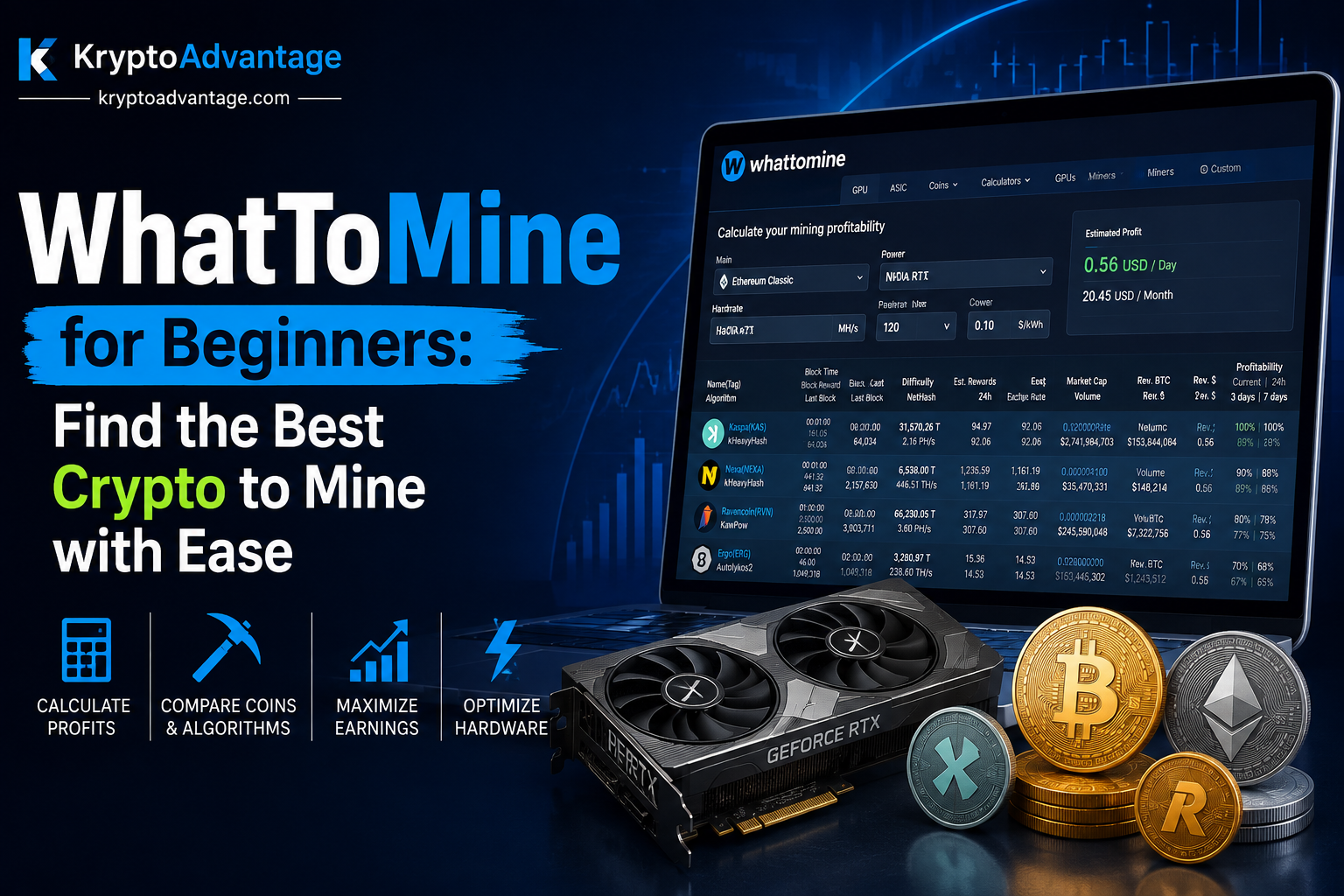
The whattomine calculator is the heart of the site. You plug in your hardware, and it spits out profit estimates for multiple coins side by side.
Step 1: Choose Your Hardware Type
WhatToMine separates calculators by hardware type. There’s one for GPUs (graphics cards), one for ASICs (specialized mining machines), and one for CPUs.
Most home miners use the GPU mining calculator, since graphics cards are flexible and can mine several different coins.
Step 2: Enter Your Hash Rate
Hash rate is basically how fast your hardware can solve mining puzzles. Every GPU or ASIC model has a listed hash rate, which you can usually find in the dropdown menu on WhatToMine, or check your mining software for your exact number.
Step 3: Add Your Electricity Cost
This step matters more than most people realize. Electricity is often the biggest ongoing cost in mining.
Enter your cost per kilowatt-hour, and the calculator subtracts that from your earnings. Two miners with the same GPU can have very different profits, just because one pays more for power.
Step 4: Review the Results
Once you hit calculate, WhatToMine ranks coins by estimated daily profit. It shows revenue, electricity cost, and net profit, all in one table.
You can sort by profitability and instantly see which coin makes the most sense right now.
Understanding Bitcoin Mining Profitability
Bitcoin is the coin most people think of first. However, Bitcoin mining today works differently than it did years ago.
Why Bitcoin Mining Is Different
Bitcoin mining now mostly requires ASIC machines, not regular computers or GPUs. These machines are built for one job: mining Bitcoin as efficiently as possible.
Because so many powerful machines compete for the same rewards, Bitcoin mining profitability depends heavily on three things: the price of Bitcoin, your electricity rate, and network difficulty (how hard the puzzles are to solve).
How WhatToMine Helps With Bitcoin
WhatToMine has a separate ASIC calculator for this. You select your specific ASIC model, enter your power cost, and it estimates your daily Bitcoin earnings after electricity expenses.
This helps you answer a simple but important question: will this machine actually make money, or just break even?
GPU Mining vs ASIC Mining: Which Should You Check First?
Not all mining hardware works the same way, and WhatToMine reflects that with separate tools for each.
GPU Mining
GPUs are more flexible. You can switch between different coins depending on what’s profitable that week. This flexibility is why many smaller miners start here.
The GPU mining calculator on WhatToMine is especially useful because it compares many coins at once, not just one.
ASIC Mining
ASICs are built for a single coin or algorithm. They’re usually more powerful but far less flexible. Once you buy one, you’re mostly locked into mining that specific coin.
This makes checking profitability before buying even more important, since you can’t easily switch later.
How to Estimate Crypto Mining Rewards
Crypto mining rewards are the coins you earn for successfully mining a block or contributing work to a mining pool. But raw rewards don’t tell the full story.
Rewards Change Over Time
Many coins reduce their mining rewards on a set schedule. Bitcoin, for example, cuts its reward roughly every four years in an event called the “halving.”
This means a coin that was profitable last year might not be as profitable today, even if the price stayed the same.
Pool Mining vs Solo Mining
Most individual miners join a mining pool. This means combining your hardware power with other miners, then splitting the rewards based on contribution.
Solo mining a coin like Bitcoin alone is extremely unlikely to pay off for a regular user. Pools make rewards more steady and predictable, even if each payout is smaller.
Using WhatToMine to Track Rewards
WhatToMine factors in current block rewards automatically. You don’t need to calculate this by hand. It updates its numbers regularly, so you’re seeing recent data, not outdated estimates.
Common Mistakes People Make With Mining Calculators
Even with a solid tool like WhatToMine, people still get tripped up. Here are a few things to watch for.
Ignoring Electricity Costs
Some miners plug in their hardware but skip the electricity field or guess a low number. This makes results look better than they really are. Always check your actual electricity rate on your utility bill.
Forgetting Hardware Costs
WhatToMine shows ongoing profit, but it doesn’t automatically include what you paid for the GPU or ASIC itself. Factor in your upfront cost separately to know your real break-even point.
Not Rechecking Regularly
Crypto prices and mining difficulty change constantly. A coin that’s profitable today might not be next month. It’s smart to recheck WhatToMine every few days if you’re actively mining.
FAQ
What is WhatToMine used for?
WhatToMine helps miners compare the profitability of different cryptocurrencies based on their hardware and electricity costs. It’s mainly used to decide which coin to mine at any given time.
Is the WhatToMine calculator accurate?
It’s generally reliable since it pulls live market data. However, it gives estimates, not guarantees, since prices and difficulty can shift quickly after you check.
Can I mine Bitcoin with a GPU?
Technically it’s possible, but it’s not practical anymore. Bitcoin mining profitability today almost always requires ASIC hardware, so most GPU miners focus on other coins instead.
How often does WhatToMine update its data?
WhatToMine updates its figures frequently throughout the day, reflecting changes in coin prices and network difficulty. Still, it’s good practice to double check the numbers before making big hardware purchases.
Do I need to pay to use WhatToMine?
No, the core calculator tools on WhatToMine are free to use. You simply enter your hardware details and electricity cost to get profitability estimates.
Conclusion
Mining crypto without checking the numbers first is a gamble, not a strategy. WhatToMine takes the guesswork out by showing real, updated profitability data based on your actual hardware and electricity costs.
Whether you’re comparing GPUs, checking Bitcoin mining profitability, or just trying to understand crypto mining rewards, this tool gives you a clear starting point. Before you invest in any mining hardware, run your numbers through WhatToMine first, it could save you from an expensive mistake.