What Is AlgoExplorer?
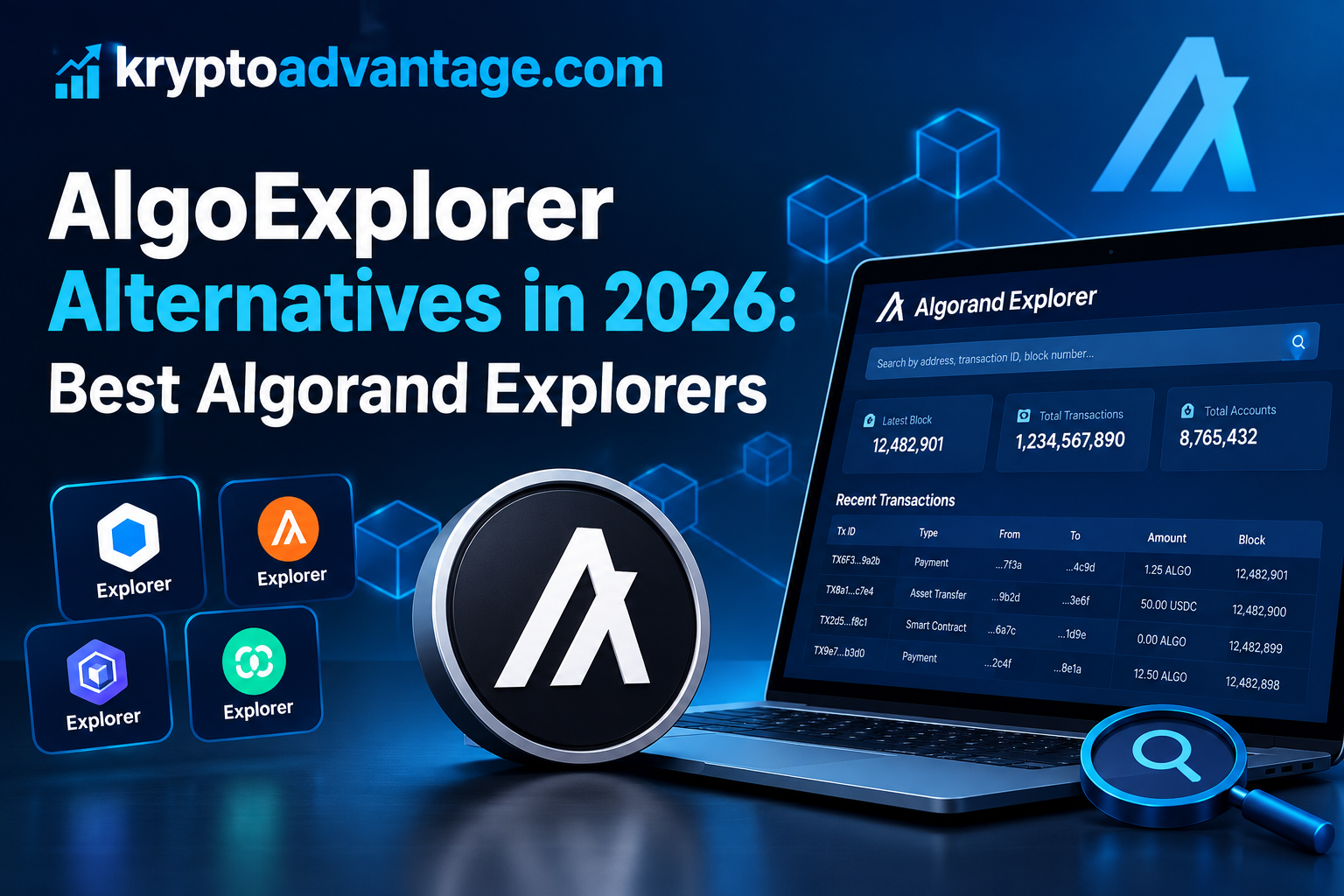
AlgoExplorer was a blockchain explorer for the Algorand network. It allowed users to view transactions, wallet addresses, blocks, and other network data in one place. The tool helped people understand activity recorded on Algorand without needing advanced technical knowledge.
However, AlgoExplorer shut down in 2024 after its funding ended. Users now have several alternatives, including Allo, Pera Explorer, Lora, and Algo Surf. Each tool offers different features for everyday users and developers, making it easier to search public blockchain data, track transactions, explore digital assets, and review account activity.
Why Did AlgoExplorer Shut Down?
AlgoExplorer shut down after the Algorand Foundation ended its funding support in 2024. The Foundation had helped fund Rand Labs, the team behind the explorer. Its first-quarter 2024 transparency report confirmed the end of financial support, after which Rand Labs decided to close the service. AlgoExplorer officially shut down on January 31, 2024.
The closure was related to funding, not the Algorand blockchain itself. Algorand continued operating, and users still needed ways to explore blockchain activity. Other projects, including Allo and Pera Explorer, offered alternatives, allowing users to check public Algorand data through different tools.
Best AlgoExplorer Alternatives in 2026
The best AlgoExplorer alternatives in 2026 help users explore Algorand blockchain data. These tools offer features such as transaction tracking, wallet searches, asset details, and network information. Allo, Pera Explorer, Lora, and Algo Surf are useful options, but each serves different needs.
Allo provides blockchain searches, statistics, and transaction insights. Pera Explorer helps users check transactions, accounts, assets, and blocks. Lora supports developers working with MainNet, TestNet, and LocalNet, while Algo Surf offers another way to explore Algorand activity.
Beginners may prefer simple tools for checking payments and wallet activity, while developers may need features for testing and application analysis. Before choosing an explorer, check its current features and supported network. Always verify transactions using their IDs rather than relying only on displayed names. Explorers show public blockchain data, but they cannot guarantee a token’s safety.
1. Allo Explorer
Allo Explorer is a tool for exploring the Algorand blockchain. It lets users search transactions, wallet addresses, blocks, assets, and applications. Users can also check network activity and blockchain statistics, making it easier to find specific on-chain information.
Allo highlights popular assets and recent activity across the network. Beginners can use it to understand transactions without advanced technical knowledge, while developers can explore application data and review complex transactions. Allo provides free search features, although some advanced features may require payment. It is useful for users who need detailed Algorand data.
2. Pera Explorer
Pera Explorer is a blockchain explorer designed for the Algorand network. It lets users search transactions, wallet addresses, blocks, and digital assets. Users can check transaction status, payment amounts, fees, and transaction history, as well as view account balances and asset holdings.
Pera Explorer helps users check whether an Algorand payment reached its destination. It also displays asset details, including creator information and verification status. Beginners can use it without advanced blockchain knowledge, while developers can inspect blocks and transactions when investigating network activity.
However, an asset’s verification status does not guarantee its safety or value. Always check important details before trusting an unfamiliar token.
3. Lora Explorer
Lora Explorer is a tool for exploring the Algorand network. Its full name is Live On-chain Resource Analyzer, and it lets users inspect accounts, transactions, blocks, assets, and applications.
Lora supports MainNet, TestNet, and LocalNet for different purposes. MainNet shows real blockchain activity, while TestNet supports testing. LocalNet runs locally for development and experiments, allowing users to explore recent transactions and examine their details.
Developers can also test transactions and interact with smart contracts through visual tools. Lora includes features for building, simulating, and submitting transactions, making it useful for developing Algorand applications. Beginners can also use Lora to explore blockchain activity.
4. Algo Surf
Algo Surf is a blockchain explorer for the Algorand network. It lets users search accounts, transactions, assets, blocks, and applications. Users can check wallet activity, inspect individual transactions, and explore digital assets and related application activity.
Algo Surf supports different Algorand networks, including MainNet, TestNet, and LocalNet. This helps users examine real transactions or explore testing environments. Developers can inspect application activity and investigate transaction details, while its search features make blockchain information easier to find.
Always verify important transaction details before making financial decisions. Algo Surf is another option for exploring Algorand blockchain data.
Allo vs Pera vs Lora vs Algo Surf
Allo, Pera, Lora, and Algo Surf are useful alternatives to AlgoExplorer, but each explorer offers different features for Algorand users.
Allo focuses on blockchain searches, network statistics, and transaction insights. It also provides tools for understanding complex transactions. Pera Explorer helps users check wallet addresses, transactions, assets, and NFTs, while also providing asset information and transaction history.
Lora is especially useful for developers building Algorand applications. It supports MainNet, TestNet, and LocalNet, along with tools for testing transactions and applications. Algo Surf lets users explore accounts, transactions, blocks, assets, and applications, including information about applications and account activity.
For everyday users, Allo or Pera may be easier starting points. Developers may prefer Lora for its testing and development tools, while Algo Surf offers another option for checking blockchain details. The best choice depends on the information you need.
How to Choose the Best Algorand Explorer
Choosing the best Algorand explorer depends on what you want to check. For transaction details, choose an explorer with simple search tools that display wallet addresses, transaction status, fees, and asset information. Beginners may prefer an interface that makes blockchain data easy to understand.
Pera Explorer is worth considering for checking accounts, transactions, and assets. Allo may suit users who want network statistics and transaction insights. Developers should consider Lora because it supports MainNet, TestNet, and LocalNet, along with tools for exploring, building, and testing Algorand applications.
Before choosing an explorer, check that it supports your required network. MainNet shows real blockchain activity, while TestNet supports testing. LocalNet is mainly used for local development and experiments. Always confirm the transaction ID and network before trusting displayed details, and remember that an explorer cannot guarantee a token’s safety.
How to Track Algorand Transactions
Tracking an Algorand transaction is simple with a blockchain explorer. You can use Allo, Pera Explorer, Lora, or Algo Surf. First, copy the transaction ID from your wallet or transaction history, then open an explorer and paste the ID into its search bar. Select the matching result to view its details.
The transaction page can show the sender, receiver, amount, fee, and confirmation details. It may also display the transaction type and confirmed round, which helps you check whether the transaction was confirmed. If you cannot find it, verify the transaction ID and selected network. A recently submitted transaction may not appear immediately, so check again after a short wait. Never share your wallet’s recovery phrase to track a transaction.
Find a Transaction Using Its Transaction ID
First, copy the transaction ID from your wallet and open an Algorand explorer, such as Pera Explorer or Lora. Paste the ID into the search bar and start the search. Select the matching result to view its details.
Check the sender, receiver, amount, fee, and confirmation details. If no result appears, make sure the transaction ID is correct and that you selected the right network. A transaction ID helps you find a specific blockchain transaction, but you never need to share your wallet password or recovery phrase to check its details.
Check Transaction Status and Details
Open the transaction in a blockchain explorer to check its status. Look for the transaction status and confirmed round. A confirmed round shows that the transaction was included in the blockchain. You can also check the sender, receiver, amount, and transaction fee.
If the transaction remains pending, check again after a short wait. If it failed, look for error information displayed by the explorer. Different explorers may use different status labels or show different details, so make sure you selected the correct network before checking. Never assume a payment succeeded until you verify its transaction details.
How to Check an Algorand Wallet Address
You can check any public Algorand wallet address using a blockchain explorer. Open Pera Explorer and enter the wallet address in its search bar. You can also use Lora to explore Algorand accounts. The results may show the account balance, asset holdings, and transaction history.
Check the address carefully to make sure it matches the intended wallet. Review recent transactions to understand the account’s activity, and check whether it holds specific tokens or NFTs. Algorand addresses and their on-chain activity are publicly visible, but an address alone does not reveal its owner’s real identity. Never share your private key or recovery phrase with anyone.
How to Explore Algorand Assets and Tokens
Algorand explorers let you search for digital assets, tokens, and NFTs. You can use Pera Explorer or Lora to find asset information. Enter the asset name or unique asset ID into the search bar, then open the matching result to view its details.
An asset page may show its creator, total supply, and holder information. You can also check its transaction history and other available details. Some explorers display verification information for certain assets, but verification does not guarantee an asset’s safety or value. Scammers can create tokens with names similar to popular projects, so always confirm the asset ID before buying or transferring tokens.
How to Verify ALGO Transactions and Fees
You can verify ALGO transactions using an Algorand blockchain explorer. Open Pera Explorer, Allo, or another supported explorer, then enter the transaction ID to find its details. Check the sender, receiver, amount, status, and fee, and confirm that the receiving address matches your intended destination.
Algorand’s standard minimum transaction fee is generally 0.001 ALGO. However, some transactions may require higher fees, depending on their structure and requirements. The transaction details show the actual fee charged, so compare it with the fee displayed in your wallet before sending. If the transaction is missing, check its ID and selected network. Always verify the confirmed transaction before assuming your payment succeeded.
Are AlgoExplorer Alternatives Safe to Use?
AlgoExplorer alternatives can be safe when you choose reputable explorers. Pera Explorer helps users check public Algorand transactions, wallet addresses, and assets. However, always make sure you visit the correct website because fake websites can copy trusted blockchain explorers.
A blockchain explorer only displays blockchain information. It cannot guarantee that a token, project, or transaction is safe. Check asset IDs carefully before trusting unfamiliar tokens, and never enter your wallet recovery phrase on an explorer website. A normal transaction lookup only requires public information, such as a transaction ID or wallet address.
For better safety, bookmark the official explorer website and avoid suspicious links shared through messages or unknown NFTs. If a website asks you to connect your wallet, check its address first. Read every transaction carefully before approving it in your wallet.
Common Problems When Using Algorand Explorers
Algorand explorers sometimes show errors or fail to load information. These problems may result from incorrect searches, network selection, or temporary service issues. Most problems are easy to check and resolve.
One common problem is a transaction missing from search results. First, check the transaction ID and make sure it is correct. Then confirm that you selected the right network. A recently submitted transaction may take time to appear.
Another issue is missing wallet or token information. Some explorers require a complete wallet address or asset ID, so enter the full details instead of a partial search. Also, remember that MainNet and TestNet show different blockchain activity. An address with no activity on one network may have activity on another.
Sometimes, an explorer may load slowly or display outdated information. Refresh the page or try another trusted Algorand explorer. If the problem continues, wait and check again later. Always verify important transactions using their IDs before making decisions.
Can You Still Use Old AlgoExplorer Links?
You may still find old AlgoExplorer links in articles, bookmarks, and forum posts. However, AlgoExplorer shut down in January 2024, so its original service is no longer available.
Pera Explorer supports compatible URL paths for certain blockchain details. Some old links may work through equivalent Pera pages, including transaction, asset, wallet address, and block pages. However, not every old link is guaranteed to work or redirect correctly.
If an old link fails, copy its transaction ID or wallet address and search for that information using Pera Explorer or Allo. Make sure you select the correct network before checking the results. This helps you find public Algorand data without relying on the old website.
AlgoExplorer Alternatives for Developers
Developers can use several alternatives to AlgoExplorer when building Algorand applications. Lora is especially useful because it supports MainNet, TestNet, and LocalNet. Developers can explore blocks, transactions, accounts, assets, and applications, and they can also build, simulate, and submit transactions through visual tools.
Allo is another option for searching blockchain data and reviewing transaction details. Pera Explorer can help developers check accounts, assets, and transactions. Developers who need more control can use Algorand’s official REST APIs, which provide access to node and indexer data for custom applications.
For testing, developers should choose the correct network before submitting transactions. TestNet and LocalNet let them experiment without using real MainNet funds. Always review transaction details before sending anything to MainNet.
Frequently Asked Questions About AlgoExplorer
What Is the Best AlgoExplorer Alternative in 2026?
Pera Explorer is a good AlgoExplorer alternative for many everyday users in 2026. It lets you check Algorand transactions, wallet addresses, assets, and NFTs, while its search tools make blockchain information easier to understand.
Allo is another good choice for network statistics and transaction insights. Developers may prefer Lora because it supports MainNet, TestNet, and LocalNet, along with tools for building and testing Algorand applications. Choose Pera for everyday searches, Allo for analytics, or Lora for development. Each explorer serves different needs, so your choice depends on your goal.
Is AlgoExplorer Still Working?
No, AlgoExplorer is no longer working. The original blockchain explorer shut down on January 31, 2024. The Algorand Foundation ended its financial support for Rand Labs, which operated the service.
You can still explore Algorand blockchain data using alternative websites. Pera Explorer helps you check wallet addresses, transactions, assets, and NFTs. Allo offers blockchain searches and network statistics, while developers can use Lora to explore transactions and applications. If you have an old AlgoExplorer link, search its transaction ID or wallet address through another explorer. Always check the website address before entering information, and never share your wallet’s recovery phrase or private key.
Can I Track an Algorand Transaction for Free?
Yes, you can track Algorand transactions for free using blockchain explorers. Pera Explorer lets you search transactions without connecting your wallet, and Allo also provides transaction searches and blockchain data.
To check a transaction, copy its transaction ID from your wallet. Open an explorer and paste the ID into its search bar. You can view the sender, receiver, amount, fee, and confirmation status to verify whether your transaction succeeded. You do not need to share your private key or recovery phrase. Keep your transaction ID private if its associated notes contain sensitive information.
Which Algorand Explorer Is Best for Beginners?
Pera Explorer is a good choice for beginners exploring the Algorand blockchain. It helps users search wallet addresses, transactions, assets, and NFTs, making basic blockchain information easier to find. You can check public data without connecting your wallet.
Allo is another option for beginners who want to explore blockchain activity. Both explorers let users view public data without advanced technical knowledge. Beginners should always double-check wallet addresses and asset IDs, and never share a recovery phrase or private key with an explorer.
Final Verdict: Which AlgoExplorer Alternative Should You Use?
The best AlgoExplorer alternative depends on how you use the Algorand blockchain. Pera Explorer is a good choice for checking wallets, transactions, assets, and NFTs, while Allo suits users who want blockchain statistics and transaction details.
Developers should consider Lora because it supports MainNet, TestNet, and LocalNet. It also provides tools for exploring and testing Algorand applications. Overall, Pera Explorer is a practical starting point for everyday users. Choose Allo for network insights or Lora for development tasks. Always verify wallet addresses and asset IDs before making transactions. Remember that blockchain explorers display public data but cannot guarantee a project’s safety.
Disclaimer
This article is for informational purposes only and does not provide financial or investment advice. Always verify blockchain data through official sources before making decisions.


One response to “AlgoExplorer Alternative: Best Algorand Explorers in 2026”
[…] However, it does not give direct ownership of SMCI shares. Token holders also do not receive shareholder rights. Robinhood Assets (Jersey) Limited issues these Stock Tokens. […]