
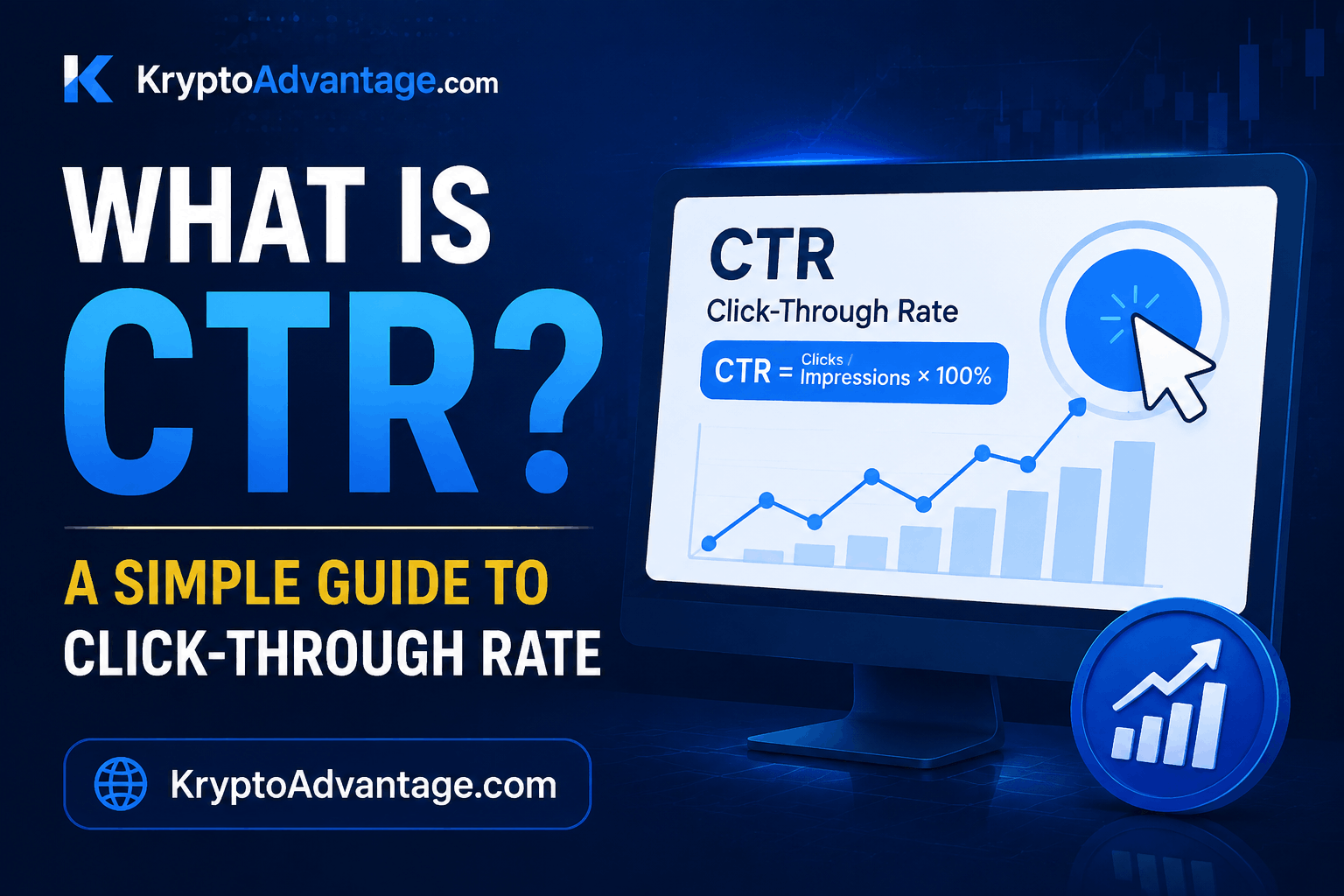
Have you ever posted an ad or a blog title and wondered why almost nobody clicked on it? That’s where CTR comes in.
CTR, or click-through rate, tells you exactly how many people saw your content and actually clicked it. In fact, if you run ads, write blog posts, or send emails, this one number can tell you a lot about what’s working and what isn’t.
In this guide, we’ll break down what the term means in plain English, show you the formula, and share simple ways to improve it. No confusing jargon, just clear answers.
CTR Meaning: What Does CTR Stand For?
CTR stands for click-through rate. In simple terms, it’s the percentage of people who clicked on something after seeing it.
That “something” could be a Google Ads campaign, a search result, an email, or even a social media post. Basically, whenever content is shown to people (called “impressions”) and some of them click, this metric measures that relationship.
For example, think of it like a store window. A hundred people might walk past and see your display. If ten people actually walk in, your click-through rate for that window is 10%.
Why It Matters
This number isn’t just a vanity metric. In fact, it reflects real interest.
Generally, a high rate means your headline, ad copy, or thumbnail is doing its job. On the other hand, a low one often means people are scrolling right past you, even if they saw your content.
For businesses, this matters because it often connects to cost and performance. In Google Ads, for example, a better rate can lower your cost per click and improve your Quality Score. According to Google’s own definition of CTR, a high click-through rate is a good sign that people find your ad or listing relevant and helpful.
What Is Click-Through Rate in Digital Marketing?
In digital marketing, this metric is used almost everywhere. You’ll see it in:
- Search engine results (organic and paid)
- Email marketing campaigns
- Social media ads
- Display banner ads
- YouTube video thumbnails
Marketers use it as an early signal. However, it doesn’t tell you if someone bought your product or signed up for your service. Still, it does tell you if your message is compelling enough to earn a click in the first place.
In short, click-through rate is often the first checkpoint in a much longer customer journey.
How to Calculate CTR: The CTR Formula
Calculating it is simple. You don’t need any special tools or advanced math.
The Basic Formula
Here’s the click-through rate formula:
CTR = (Total Clicks ÷ Total Impressions) × 100
“Impressions” means the number of times your content was shown, while “clicks” means the number of times someone actually clicked on it.
A Simple Example
For instance, let’s say your ad was shown 1,000 times, and 50 people clicked on it.
CTR = (50 ÷ 1,000) × 100 = 5%
That means 5 out of every 100 people who saw your ad decided to click. Overall, this same formula works whether you’re checking a Google Ads campaign, an email newsletter, or a search listing.
CTR Template: What Does a Tracking Sheet Look Like?
If you want to track this over time, a simple spreadsheet works well. Here’s what a basic template might look like:
| Campaign/Page | Impressions | Clicks | CTR (%) |
|---|---|---|---|
| Homepage Ad | 2,000 | 80 | 4.0% |
| Blog Post Title | 5,000 | 150 | 3.0% |
| Email Subject Line | 1,200 | 96 | 8.0% |
You can build this in Google Sheets or Excel. Simply add a formula column that automatically does the math for you, so you don’t need to calculate it by hand every time. Alternatively, if you’d rather not track it manually, several marketing automation platforms can pull this data for you — see our roundup of SaaS tools for small businesses for options.
What Is a Good CTR? Understanding Average CTR
This is one of the most common questions people ask, and unfortunately, it doesn’t have one single answer.
A “good” rate depends heavily on your industry, platform, and content type. For example, a number that looks amazing for a display ad might look poor for an email subject line.
Average CTR by Platform (General Ranges)
While exact figures shift over time and vary by industry, here are some general patterns marketers commonly refer to:
- Google Ads (Search): Usually several percentage points higher than display ads, since people searching already show intent.
- Google Ads (Display): Typically much lower than search ads, because these are shown to people who aren’t actively searching.
- Email marketing: Varies widely by industry and list quality.
- Organic search results: Tends to be highest for the top 1-3 positions on Google, and drops sharply after that.
Because these numbers change over time and differ by industry, it’s best to check current benchmark reports from advertising platforms or trusted marketing research sources for the most accurate figures. For instance, WordStream’s Google Ads industry benchmarks are a commonly cited example, since they break this down by industry rather than giving one flat number.
Why “Good” Is Relative
A 2% rate might be excellent for a competitive industry like insurance. Meanwhile, that same 2% might be disappointing for a niche hobby blog.
Instead of comparing your numbers to a general average, therefore, compare them to your own past performance. This is a more honest and useful benchmark.
Google Ads CTR vs Organic CTR: What’s the Difference?
People often mix up these two terms, but they measure different things.
Google Ads CTR
This measures how often people click on your paid ads compared to how often those ads are shown. As a result, it directly affects your Quality Score, which can lower or raise how much you pay per click.
Generally, a strong result here comes from relevant keywords, clear ad copy, and a headline that matches what the searcher actually wants.
Organic CTR
This measures clicks on your website’s listing in search results, without paying for placement. Specifically, it’s tracked through the Performance report in Google Search Console, which shows your clicks, impressions, and average rate for free.
It’s influenced by your page title, meta description, and your ranking position. Even if you rank on page one, therefore, a boring title can still hurt your numbers here.
If you run an online store, this same logic applies to your product listings. In other words, a clear, benefit-driven title can matter just as much as your ranking. If you’re just getting your store off the ground, our guide on starting a successful online store covers the basics before you even get to this stage.
How to Improve CTR: Practical Tips That Work
Improving your click-through rate isn’t about tricks. Rather, it’s about making your content more relevant and appealing to the people seeing it. That said, it’s just one piece of the puzzle, and it works best alongside a wider plan — our post on business growth strategies for small businesses covers how marketing efforts like this fit into the bigger picture.
1. Write Clearer, More Specific Headlines
Vague headlines get ignored, while specific ones get clicked.
For example, “Tips for Marketing” is weak. On the other hand, “5 Tips That Doubled Our Email Clicks” is much stronger, because it promises something concrete.
2. Match Search Intent
If someone searches “how to calculate CTR,” for instance, give them a formula, not just a definition. Overall, content that directly answers the question tends to earn more clicks and holds attention longer.
3. Use Numbers and Power Words
Numbers stand out visually in a list of search results. Similarly, words like “simple,” “proven,” or “quick” can also make your listing feel more useful at a glance.
4. Improve Your Meta Description
Your meta description acts like a mini-advertisement in search results. Consequently, a clear, benefit-focused description often improves your organic results, even without changing your ranking position.
5. Test Different Ad Copy
In Google Ads, small wording changes can shift your numbers noticeably. So, testing two or three versions of your ad copy helps you find what resonates with your audience.
6. Use Strong Visuals
For social media and video content, thumbnails matter as much as text. Indeed, a clear, high-contrast image often outperforms a cluttered or blurry one.
7. Avoid Clickbait
It’s tempting to promise more than you deliver just to boost your numbers. However, this usually backfires, since visitors bounce quickly and platforms like Google notice that pattern over time.
Advantages and Disadvantages of Tracking CTR
This metric is useful, but it isn’t perfect. Therefore, it’s worth knowing both sides before you rely on it too heavily.
Advantages
- Quick to measure: You don’t need advanced tools, since most ad platforms and Google Search Console calculate it for you automatically.
- Early warning sign: A sudden drop often flags a problem, such as a weak headline or outdated ad copy, before it hurts your traffic further.
- Helps lower ad costs: In Google Ads, a strong result can improve your Quality Score, which sometimes means a lower cost per click.
- Easy to test: Since it reacts fast to changes, it’s one of the simplest metrics to A/B test against.
Disadvantages
- Doesn’t measure real results: A high rate doesn’t guarantee sales, signups, or leads, because people can click and still leave without taking action.
- Can be gamed: Misleading or clickbait-style headlines can boost the number short-term, but they usually hurt trust and rankings over time.
- Varies too much to compare directly: Comparing your rate to a different industry’s average is rarely useful, since audience behavior differs a lot.
- Ignores context: A low number on a highly technical or niche topic might still be perfectly normal, rather than a sign of failure.
In short, CTR works best as one signal among several, not the only number you track. Therefore, pairing it with conversion rate and bounce rate gives you a fuller, more honest picture of performance.
Common Mistakes That Hurt CTR
Even experienced marketers fall into these traps.
- Ignoring mobile formatting: A headline that looks great on desktop might get cut off on mobile screens.
- Using the same ad copy for months: Audiences get used to seeing the same message, so results naturally decline over time.
- Focusing only on clicks, not conversions: A high rate with low sales might mean, instead, that you’re attracting the wrong audience.
FAQ: Common Questions About CTR
What does CTR mean in simple terms?
CTR means click-through rate. It’s the percentage of people who click on your content after seeing it, calculated as clicks divided by impressions.
What is a good CTR rate?
There’s no single “good” number, since it depends on your industry and platform. Instead, a better approach is comparing your current rate to your own past performance over time.
How do you calculate CTR?
Simply divide the total number of clicks by the total number of impressions, then multiply by 100. For example, 50 clicks out of 1,000 impressions equals a 5% rate.
Why is my CTR low?
A low rate often points to an unclear headline, mismatched search intent, or a weak meta description. Therefore, try updating your title or ad copy and monitor results over the next few weeks.
Is CTR the same as conversion rate?
No, they’re different. Click-through rate measures how many people clicked, while conversion rate measures how many of those clickers actually completed an action, like a purchase or signup.
A Quick Disclaimer
Benchmarks, ad platform features, and Google’s ranking factors change fairly often. Therefore, the general ranges and tips in this guide reflect common patterns in digital marketing, but they are not a guarantee of results for any specific website, ad account, or industry.
Before making major decisions based on this metric alone, check the current data inside your own Google Ads or Google Search Console account. Additionally, consider talking to a marketing professional if you’re managing a large ad budget. This article is for general educational purposes only and isn’t personalized marketing or financial advice.
Conclusion
CTR, or click-through rate, is one of the simplest yet most useful numbers in digital marketing. Essentially, it shows you how well your headlines, ads, and listings capture attention in the first place.
To recap: you calculate it by dividing clicks by impressions, and a “good” rate always depends on your platform and industry. Nevertheless, small changes, like a sharper headline or a clearer meta description, can often make a real difference in your click-through rate over time.
So, if you haven’t checked your numbers recently, it’s worth pulling up your Google Ads dashboard or Google Search Console today. You might be surprised by what a few small tweaks can do.